
2 year warranty
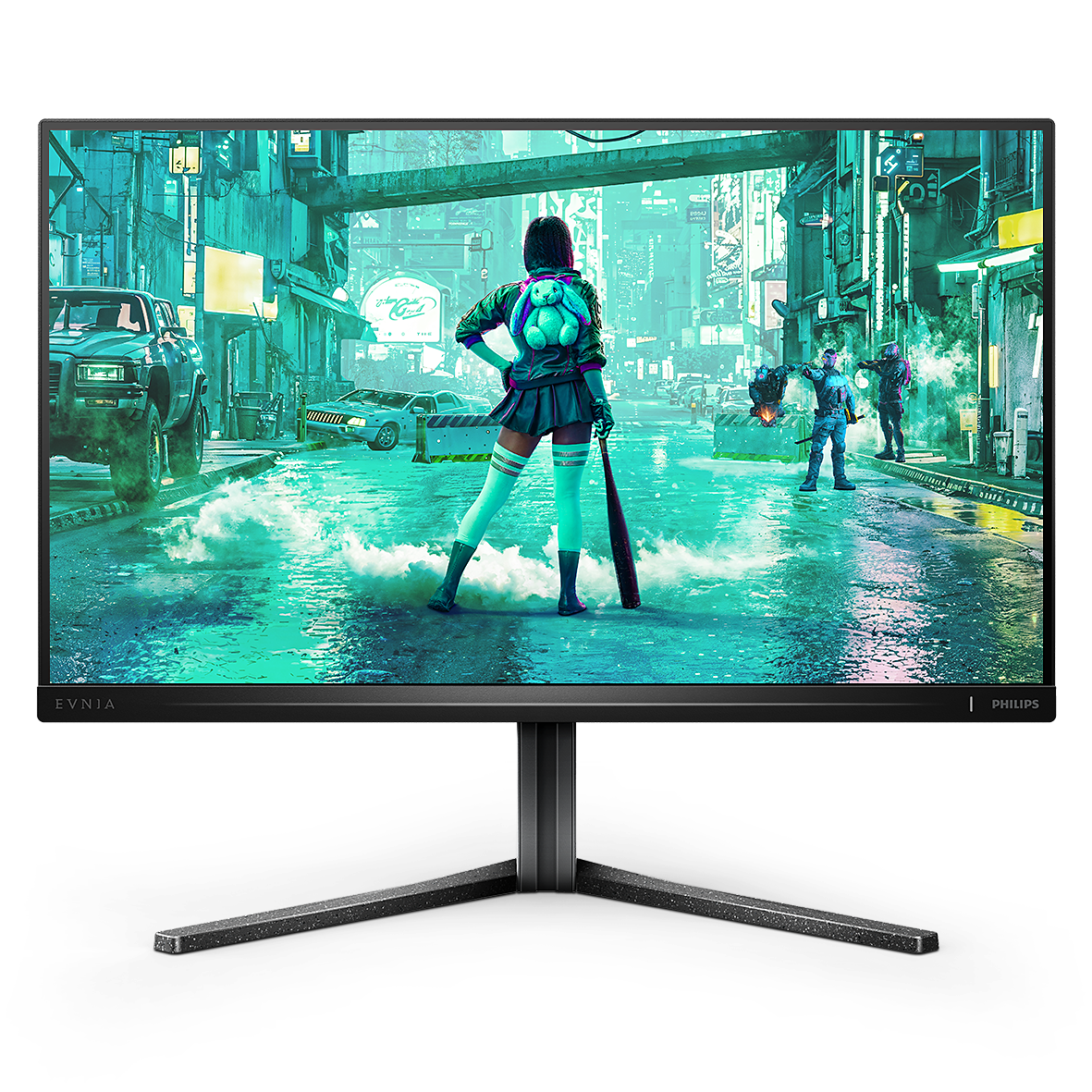
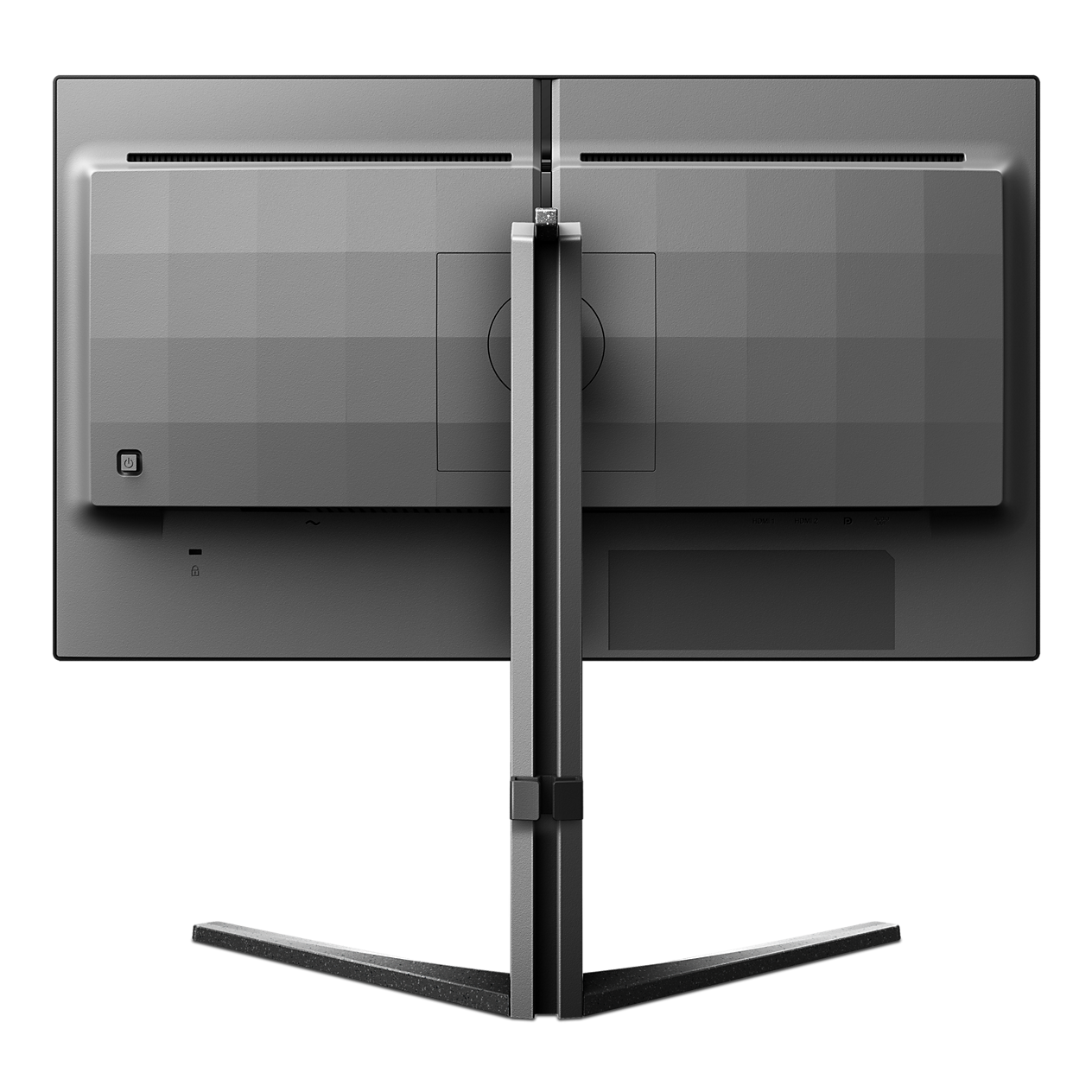
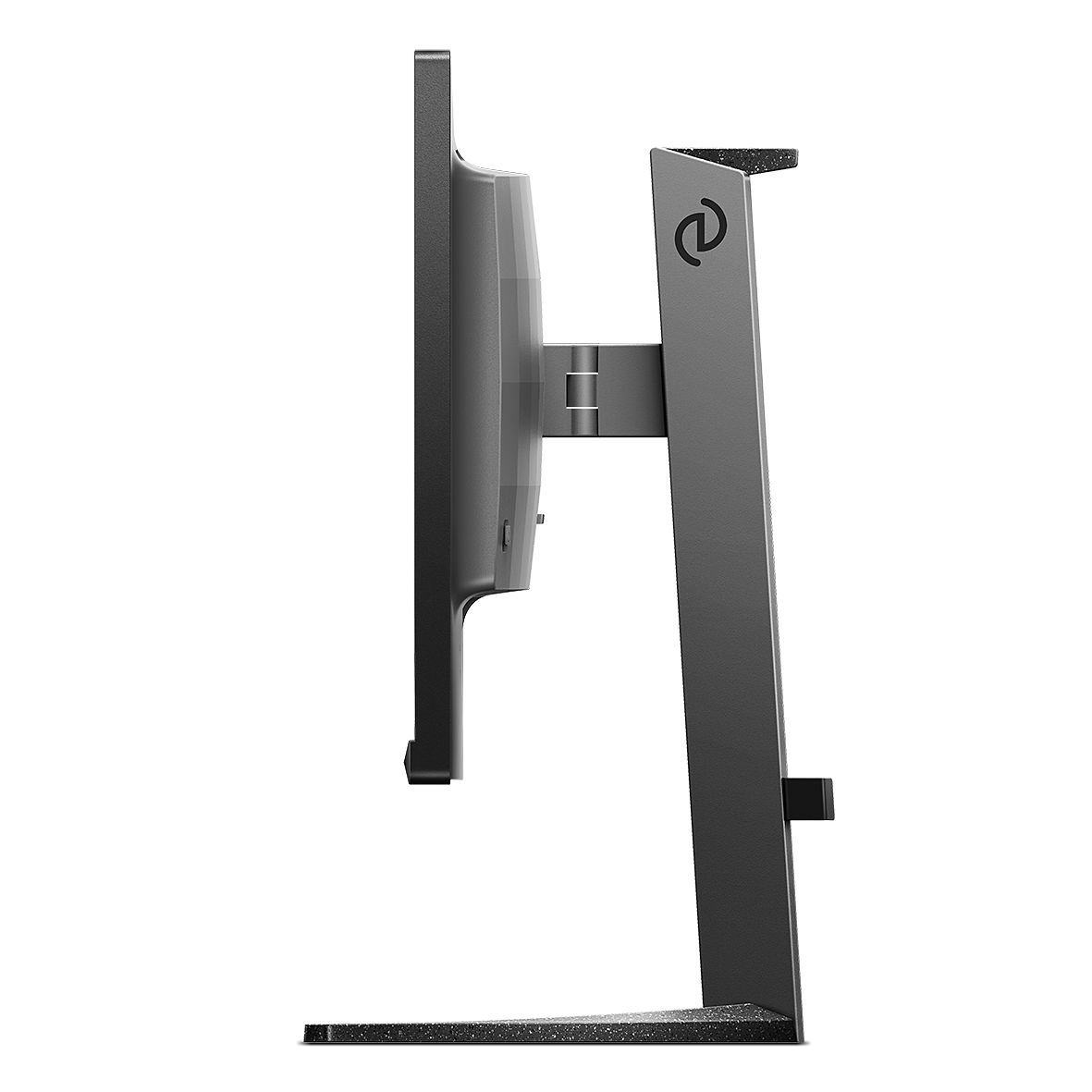
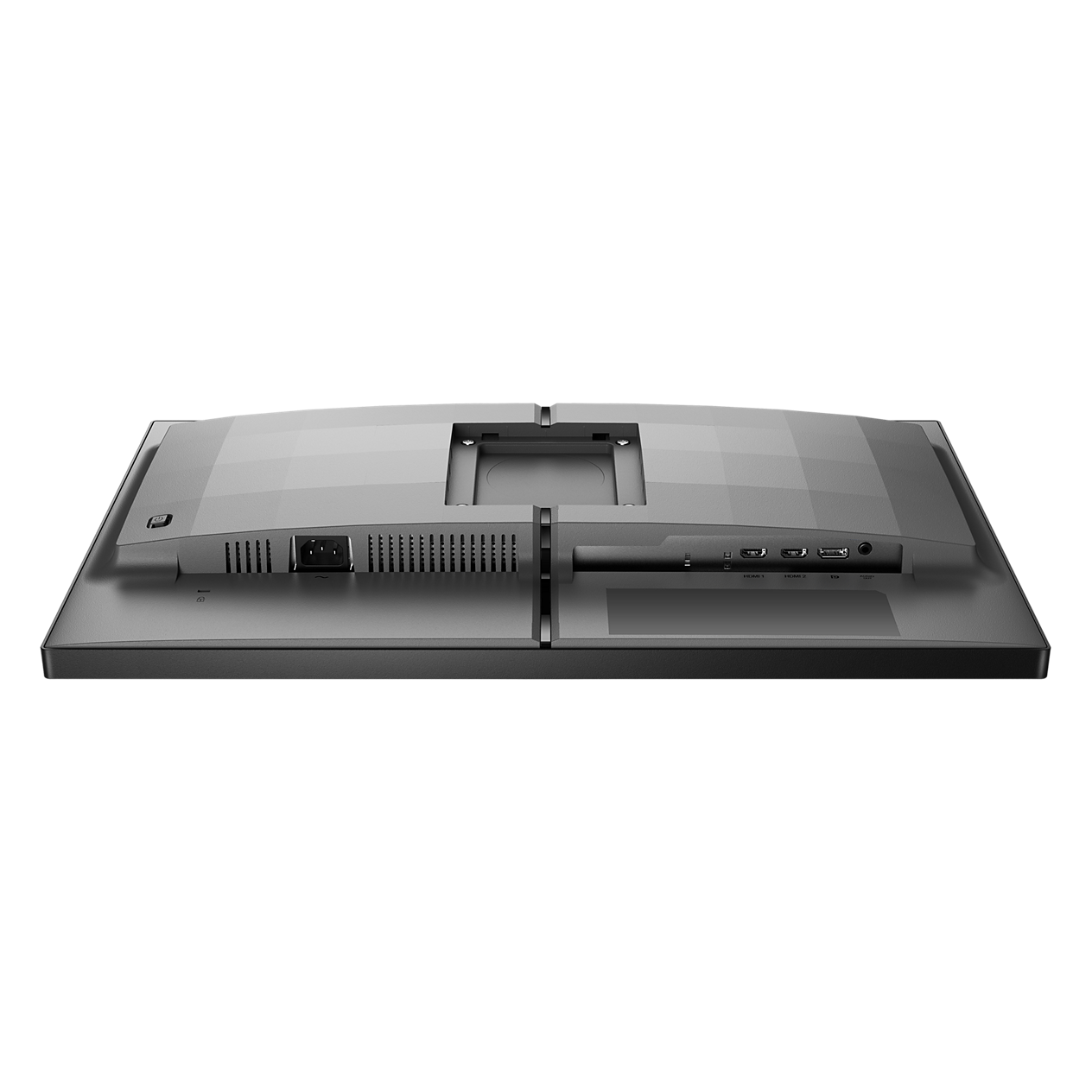
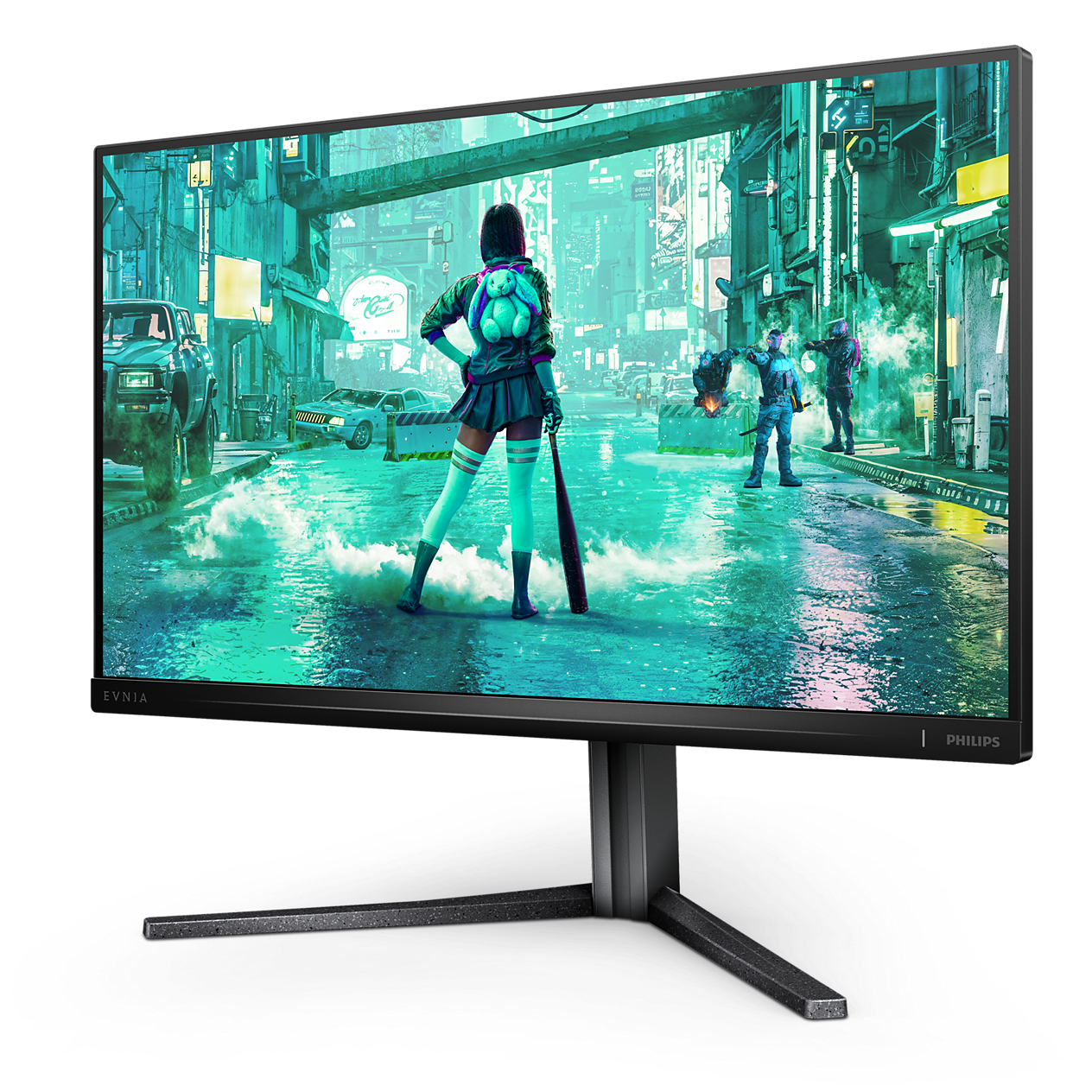
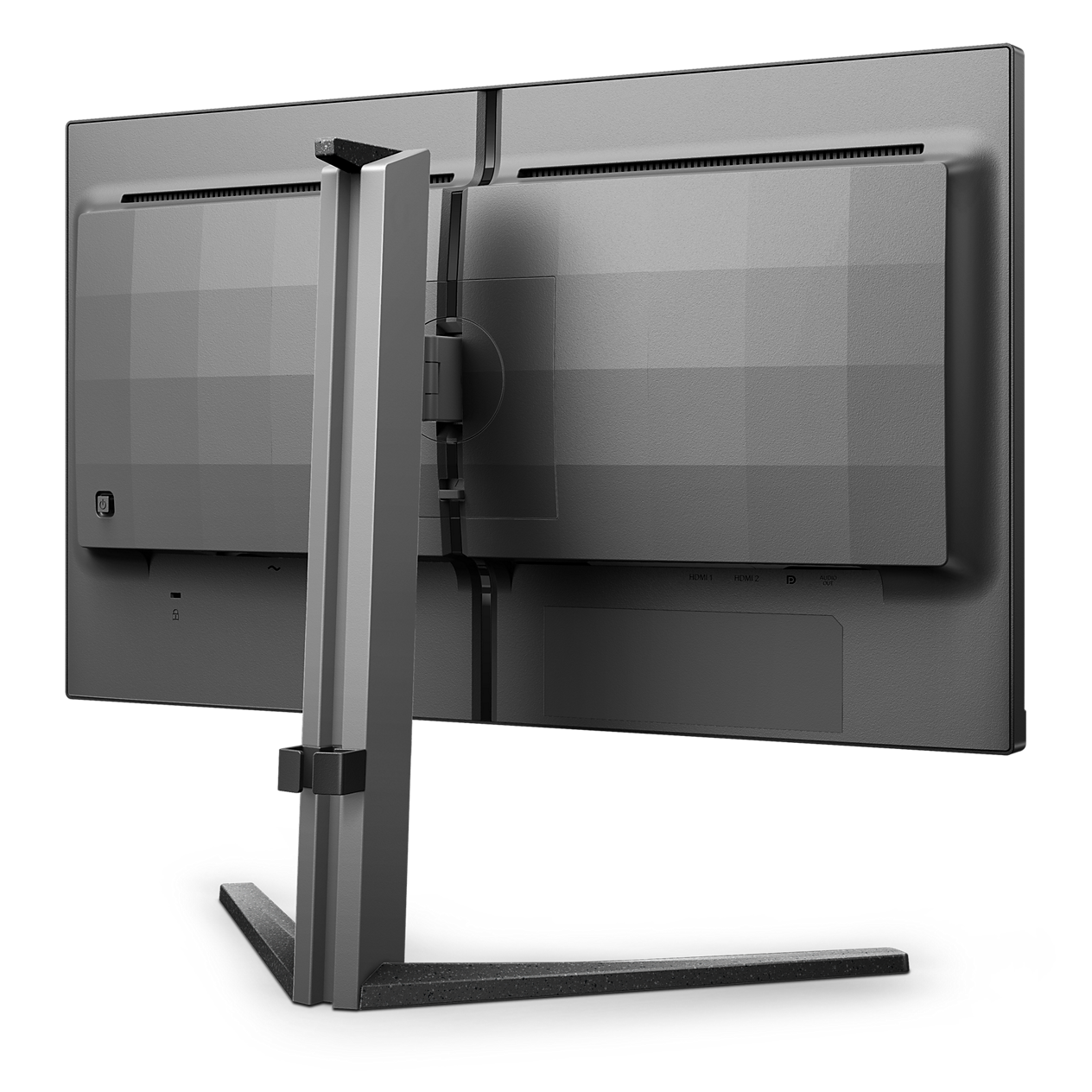
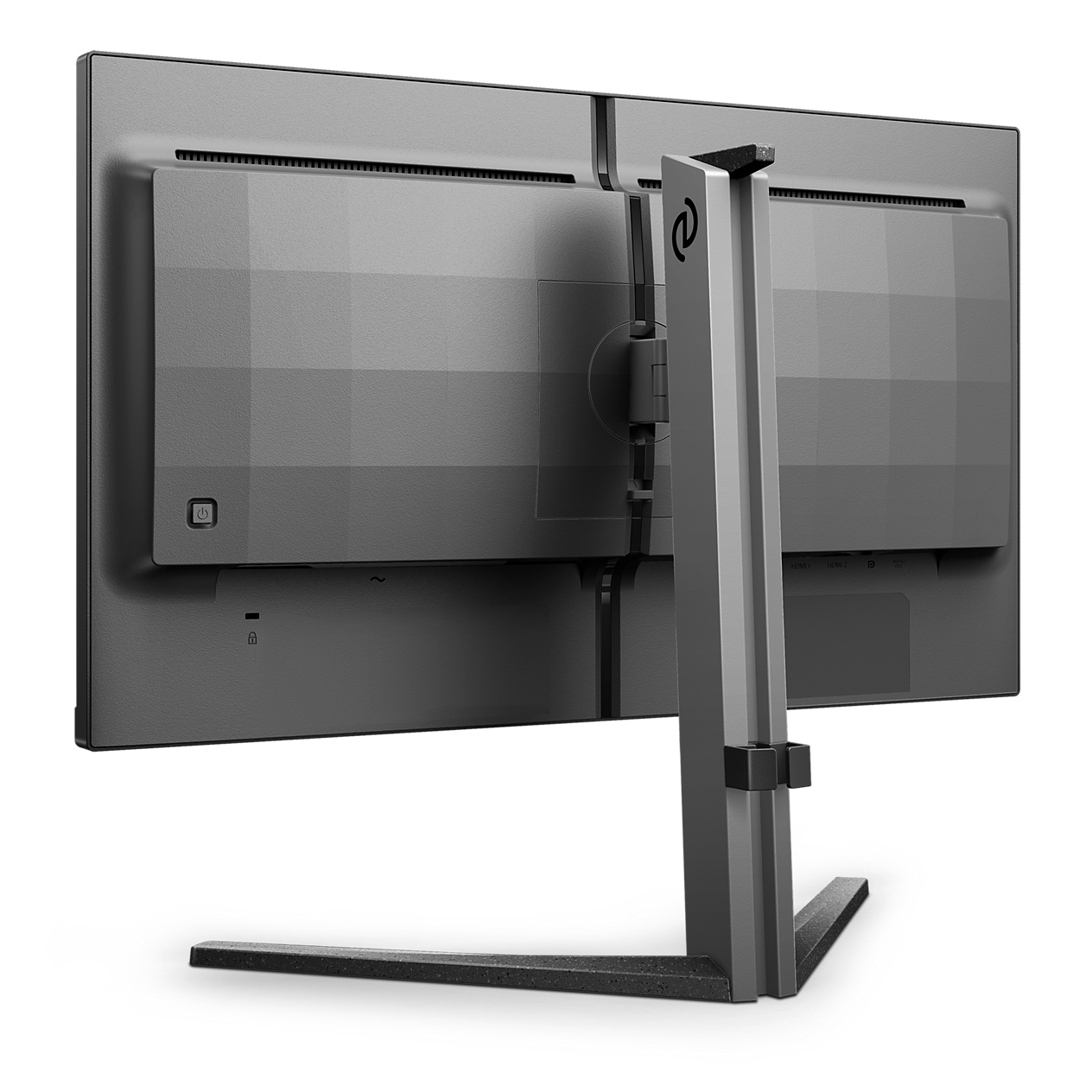
Evnia Gaming MonitorFull HD gaming monitor
25M2N3200/69
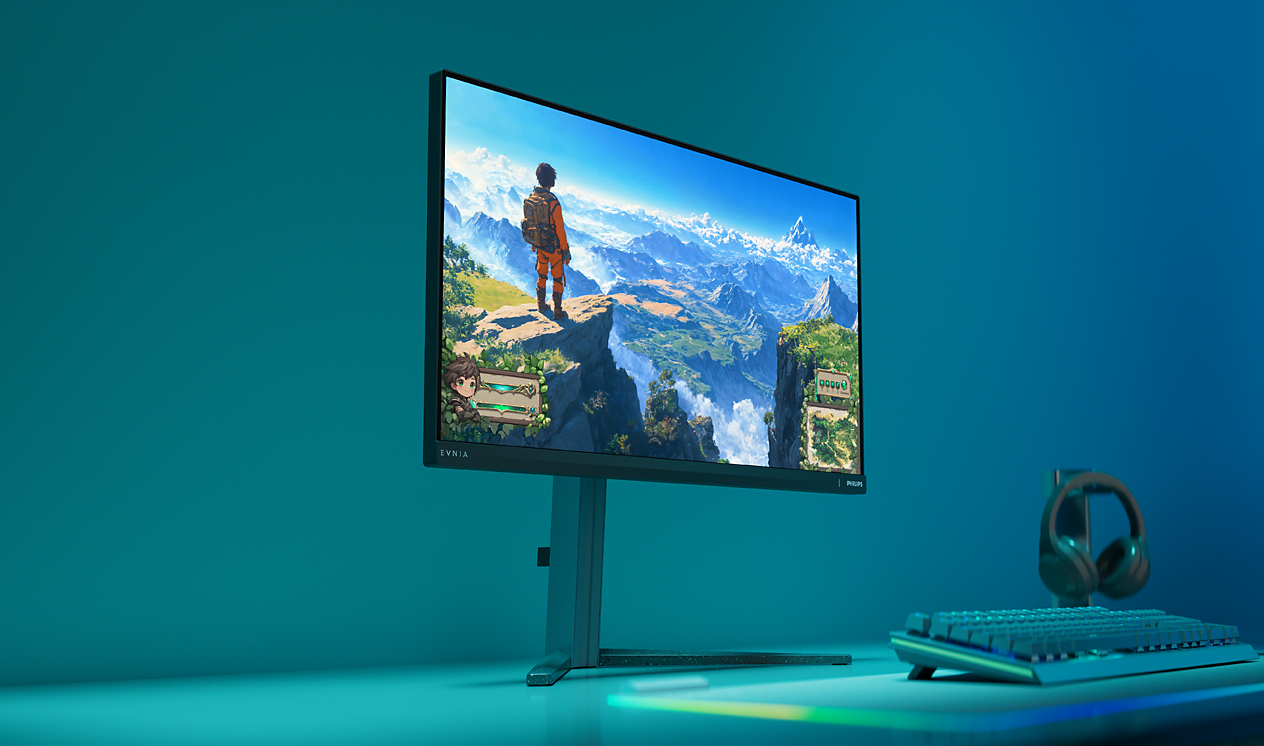
Broaden your gaming horizon
This monitor is equipped with a rapid 180Hz refresh rate and 1ms Smart MBR, so that you can play your game at real-time speed accompanied with crisp and detailed imaging.
Broaden your gaming horizon
Evnia 3000
25 (24.5" / 62.2 cm diag.)
1920 x 1080 (Full HD)

16:9 Full HD display for crisp detailed images
Picture quality matters. Regular displays deliver quality, but you expect more. This display features enhanced Full HD 1920 x 1080 resolution. With Full HD for crisp detail paired with high brightness, incredible contrast and realistic colors expect a true to life picture.

SmartContrast for rich black details
SmartContrast is a Philips technology that analyzes the contents you are displaying, automatically adjusting colors and controlling backlight intensity to dynamically enhance contrast for the best digital images and videos or when playing games where dark hues are displayed. When Economy mode is selected, contrast is adjusted and backlighting fine-tuned for just-right display of everyday office applications and lower power consumption.

LowBlue mode and Flicker-free easy-on-the eyes viewing
Our LowBlue Mode and Flicker-free technology have been developed to reduce eye strain and fatigue often caused by long hours in front of a monitor.
Technical Specifications
Reviews
For best output performance, please always ensure that your graphic card is capable of achieving the maximum resolution and refresh rate of this Philips display.
Response time value equal to SmartResponse
Smart MBR is to adjust brightness for blur reduction, so cannot adjust brightness while Smart MBR is turned on. To reduce motion blur, LED backlight will strobe synchronously with screen refresh, which may cause noticeable brightness change.
Smart MBR is to adjust brightness for blur reduction, so cannot adjust brightness while Smart MBR is turned on. To reduce motion blur, LED backlight will strobe synchronously with screen refresh, which may cause noticeable brightness change.
"IPS" word mark / trademark and related patents on technologies belong to their respective owners.
2020 Advanced Micro Devices, Inc. All rights reserved. AMD, the AMD Arrow logo, AMD FreeSync™ and combinations thereof are trademarks of Advanced Micro Devices, Inc. Other product names used in this publication are for identification purposes only and may be trademarks of their respective companies.
NVIDIA® G-SYNC® support interface: DisplayPort
Make sure to update NVIDIA® G-SYNC® driver to the latest version, see more information on NVIDIA website: https://www.nvidia.com/
Make sure your graphic card supports NVIDIA® G-SYNC®
DCI-P3 Coverage based on CIE1976, sRGB Area based on CIE1931, NTSC Area and Adobe RGB Area based on CIE1976
The monitor may look different from feature images.
The products and accessories listed on this leaflet may differ by country and region.